

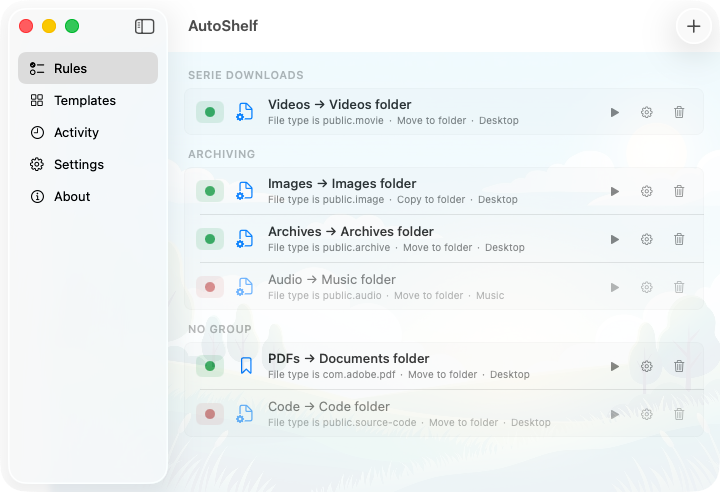
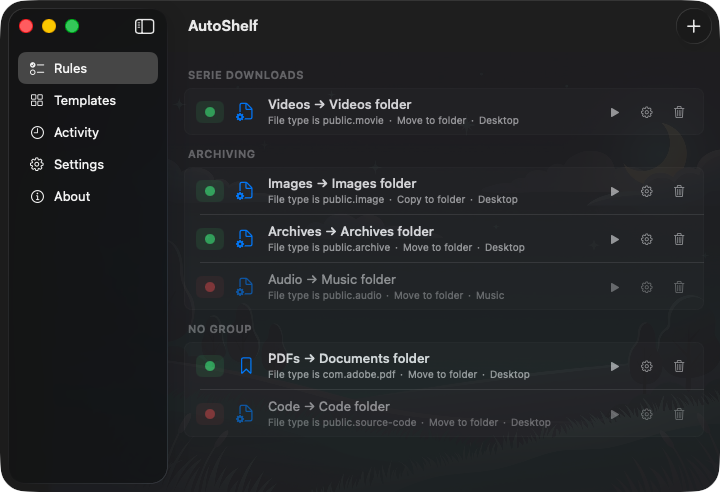
Your files, self-organized. A macOS app that watches your folders and moves files where they belong. Set a rule once. Never think about it again.
Download from App Store// roadmap
AutoShelf is actively developed. Here's what we're working on.
// templates
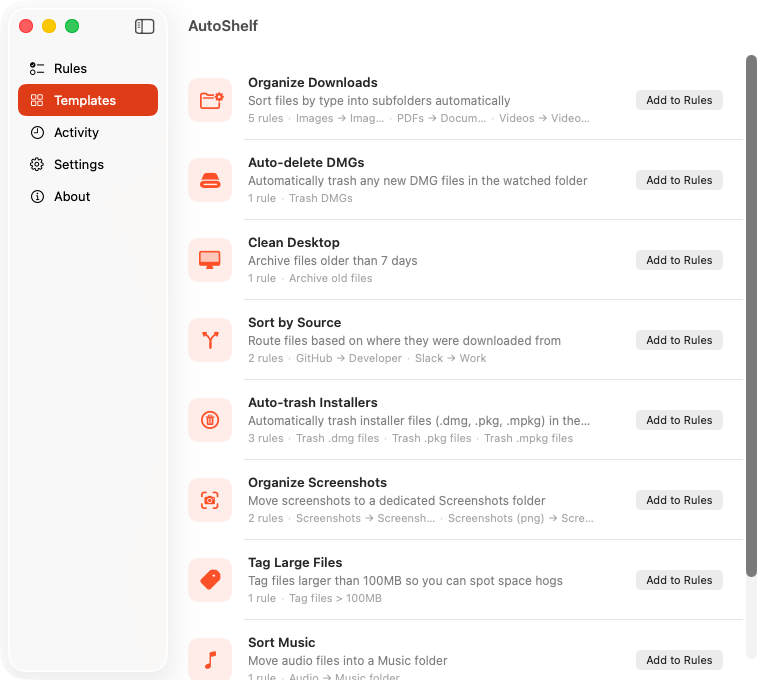
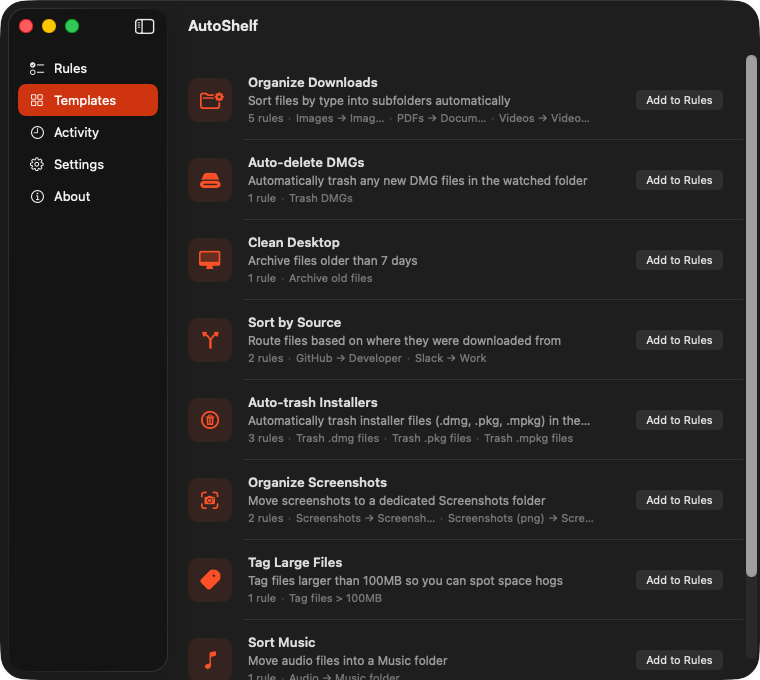
Five built-in templates cover the most common use cases. Organize Downloads by file type. Auto-delete old DMGs. Clean your Desktop weekly. Sort by source URL. Or build your own rule from scratch.
// download source
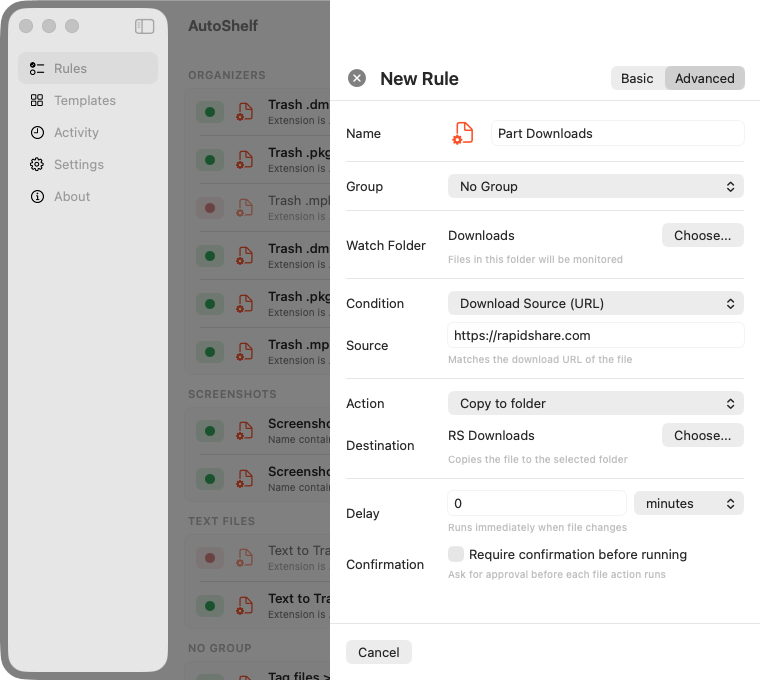
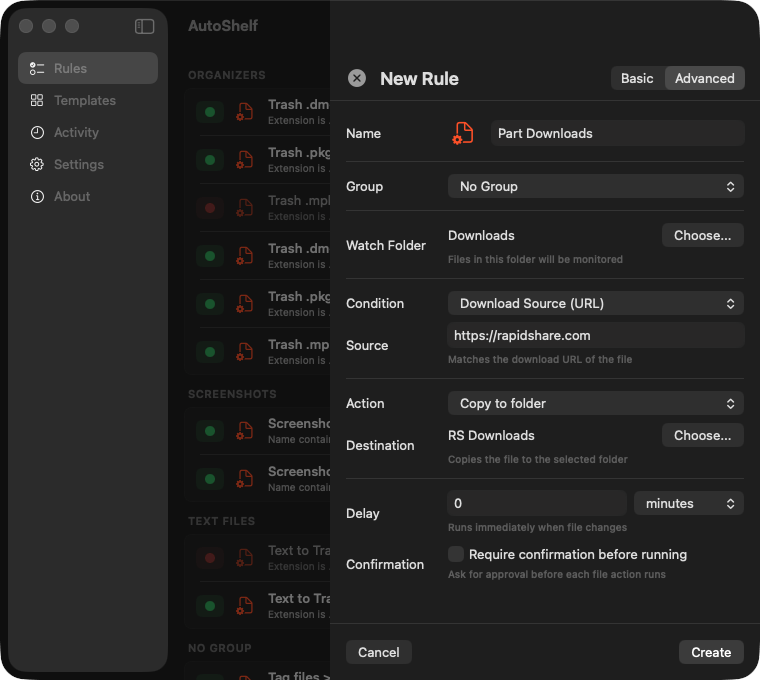
Every file carries metadata. AutoShelf reads the download URL and can route files based on where they came from. GitHub repos to Developer/. Figma exports to Design/. Slack files to Work/. Your rules, your logic.
// downloaded by
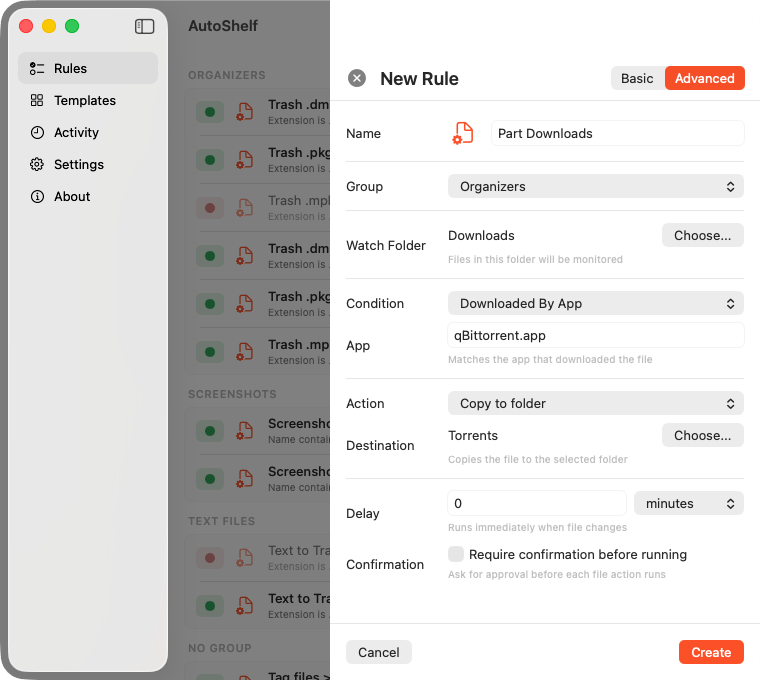
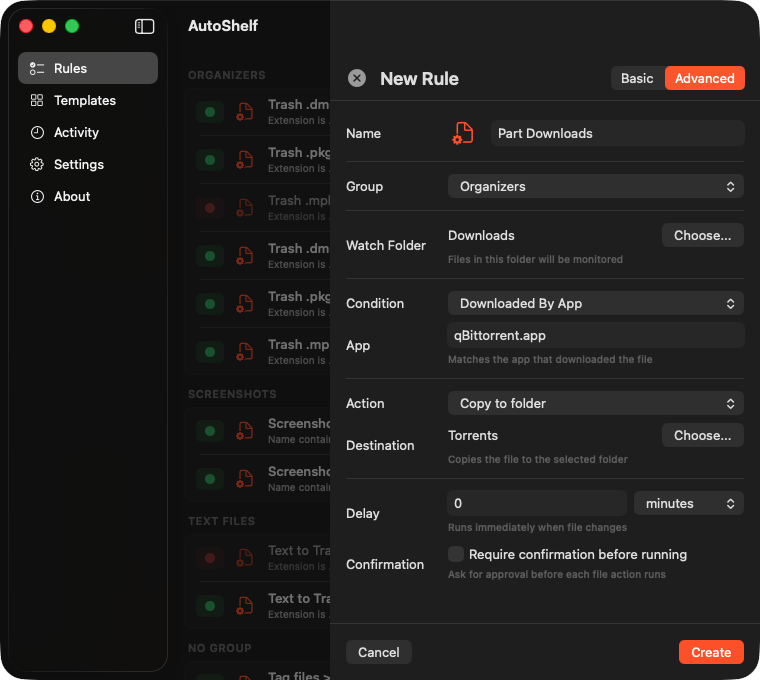
Safari, Chrome, Arc, Finder. AutoShelf knows which app downloaded each file. Tag Safari downloads for review. Route Chrome extensions to a separate folder. Filter installers from your browser. Context matters.
// more features
Combine file type, source URL, download app, size, age, and filename in a single rule. Stack conditions to match exactly what you need.
Move, copy, rename, tag, trash, archive, optimize, and more. Each action is explicit so you always know what happens.
Automatically reduce image file sizes without visible quality loss. Perfect for keeping your photo exports and screenshots lean.
AutoShelf lives in your menu bar, not your Dock. It watches your folders silently, takes action instantly, and stays out of your way.
// who is it for
Clone repos, download SDKs, save patches. Your Downloads folder is a crime scene. AutoShelf routes .zip, .tar, .css, .js to your dev workspace by source, type, or name.
RAW files, exports, client assets, mood boards. Everything lands in one pile. Sort by file type, size, or date into organized project folders.
You download everything. Installers from 2019. Duplicate PDFs. That zip you never opened. AutoShelf trashes what expires and archives what matters.
Invoices, contracts, deliverables, briefs. All mixed with memes and screenshots. Route documents to project folders, trash the noise, tag what needs review.
Lecture slides, readings, assignments, research papers. All dumped into Downloads. Auto sort by course, type, or semester without lifting a finger.
If you have ever spent 20 minutes looking for a file you downloaded yesterday, AutoShelf is for you. Set it up once. Forget it exists. Like it should be.
// faq
AutoShelf lets you set rules that watch your folders and automatically move, copy, rename, tag, or trash files. For example, you can create a rule to move all .pdf files from Downloads to a Documents folder. Once set, it runs silently in the background.
AutoShelf includes built-in templates like Organize Downloads and Auto-delete DMGs. It sorts files by type, source URL, or the app that downloaded them: Safari, Chrome, Arc, and more. Set it up once and your Downloads folder stays clean automatically.
Yes. AutoShelf is free with one fully functional rule. To unlock unlimited rules, you can upgrade with a one-time purchase of $19.99. No subscription required.
AutoShelf requires macOS 13 Ventura or later. It runs as a Universal Binary supporting both Apple Silicon and Intel Macs.
Yes. AutoShelf operates entirely offline. No analytics, no tracking, no network calls. All file organization happens locally on your Mac.
// stay in the loop
New features ship regularly. Drop your email and we will let you know when something big lands: major updates, new actions, or anything worth your attention. No spam, no fluff. Unsubscribe anytime.